Virtual reality
Full immersion
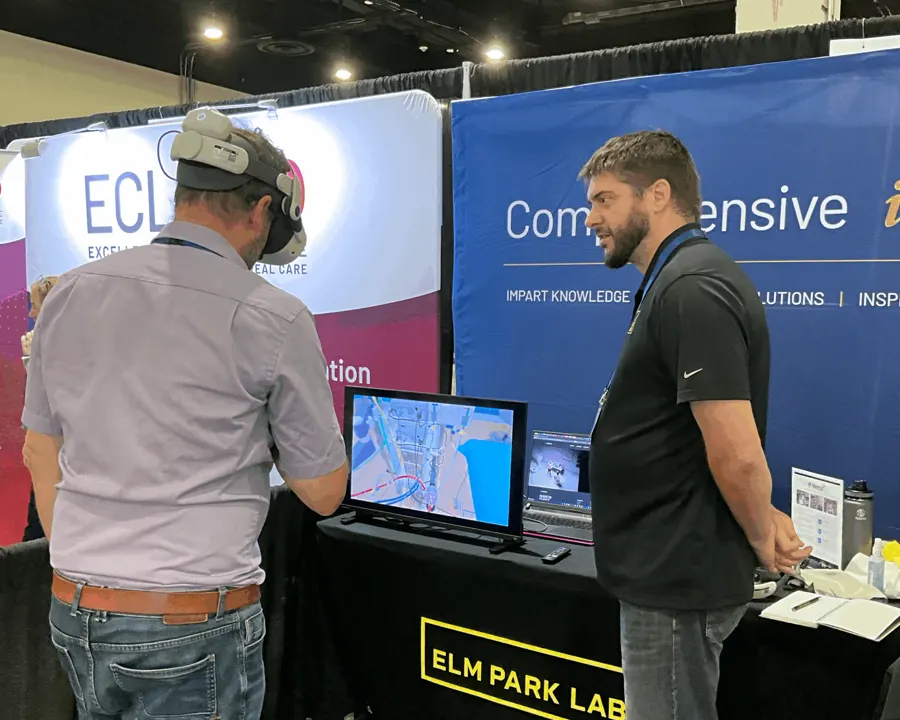
Step into a virtual scenario with a headset and use hand tracking to interact with it using your own hands.
Reality, reimagined
Elm Park Labs builds extended reality (XR) applications for healthcare and manufacturing.
We help teams practice complex tasks, follow step-by-step guidance on the job, and show customers how products work through immersive technology.
What we do
Use a headset to rehearse a task or a phone or tablet to pull up guidance on the job.
The four examples below show how we use virtual, augmented and mixed reality to support your workforce and help customers explore your products.
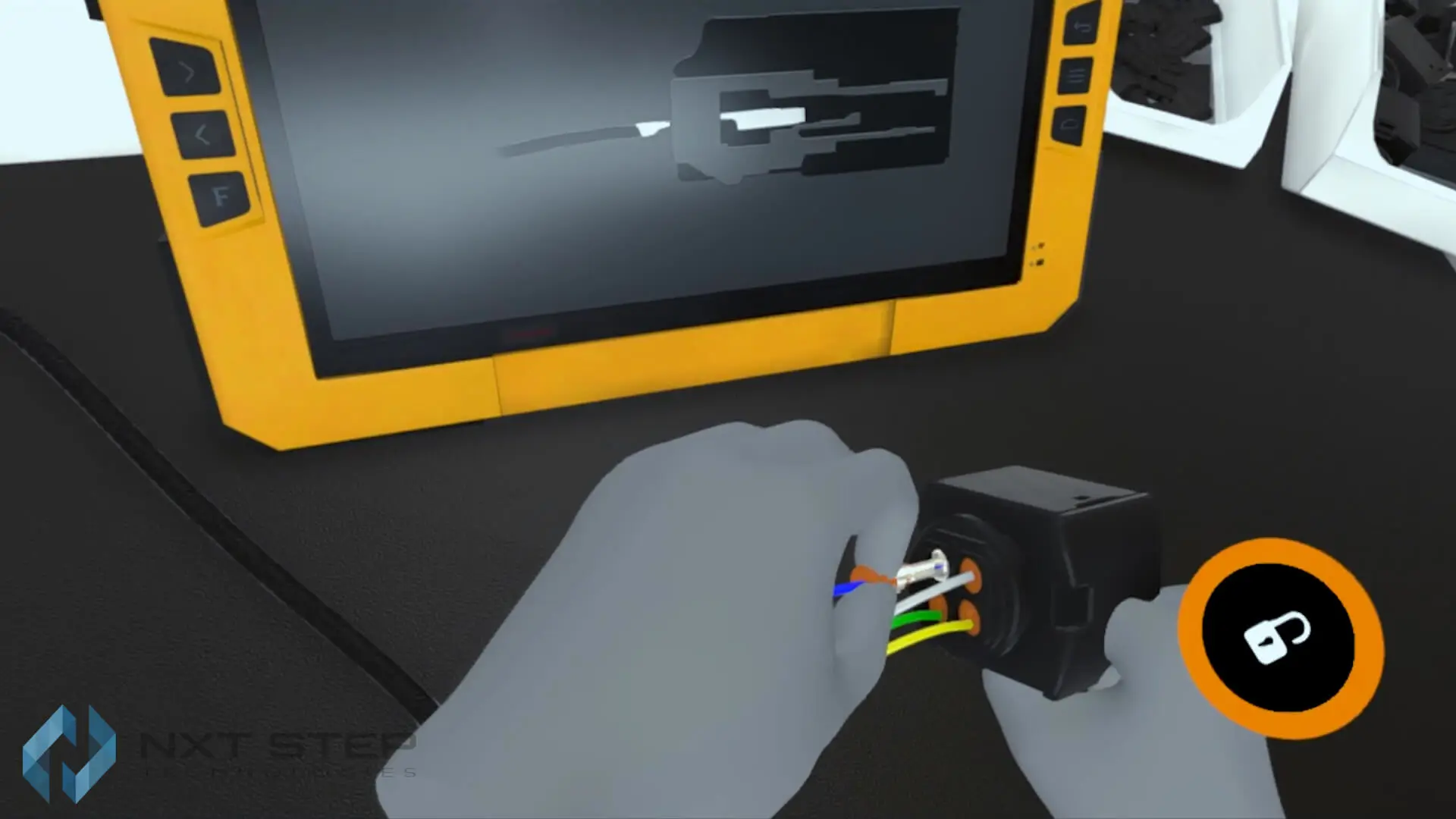
Put step-by-step instructions where the work happens, so teams can refer to them while carrying out a procedure.
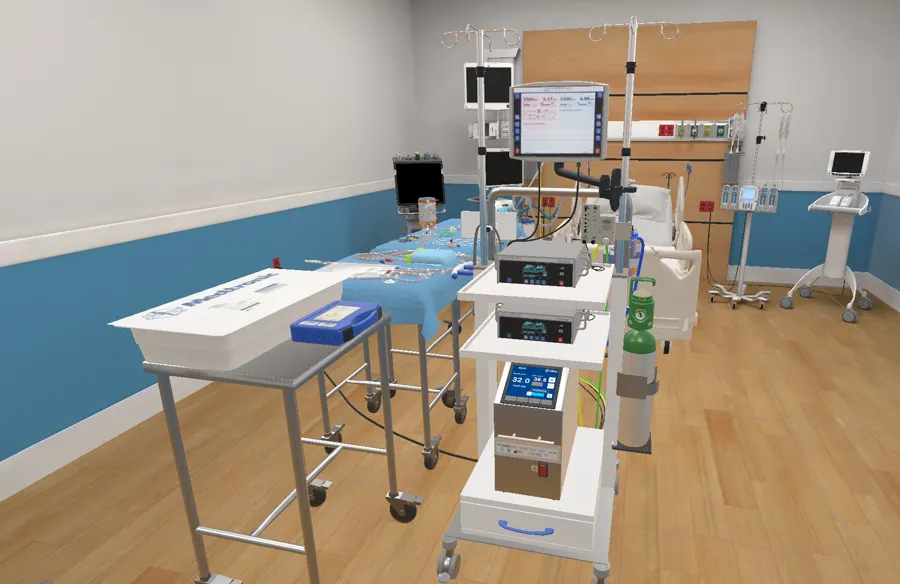
Give learners hands-on practice for rare or dangerous situations by letting them rehearse in a realistic simulation before they face the real thing.
See how learners perform across training sessions so you can identify where they may need more practice.
Let customers explore products, review specifications and features, and preview available options before buying.
Formats and devices
Choose the format and device that fits the desired experience.
We build virtual reality (VR), augmented reality (AR) and mixed reality (MR) experiences. Depending on the application, people can use a headset, PC or Mac, phone or tablet.
Step into a virtual scenario with a headset and use hand tracking to interact with it using your own hands.
Depending on the application, people can open the experience in a web browser or use an app on a computer, phone or tablet.
See digital content alongside the room around you through smart glasses, without holding a phone or tablet.
Use a phone or tablet camera to see a 3D model of equipment in the space around you.
EPL products
Find tools for clinical training, guided learning, on-the-job instructions and performance assessment.
Compare what each product does and which formats and devices it supports. Open the LinkXR tab to see how teams deploy and manage the products.
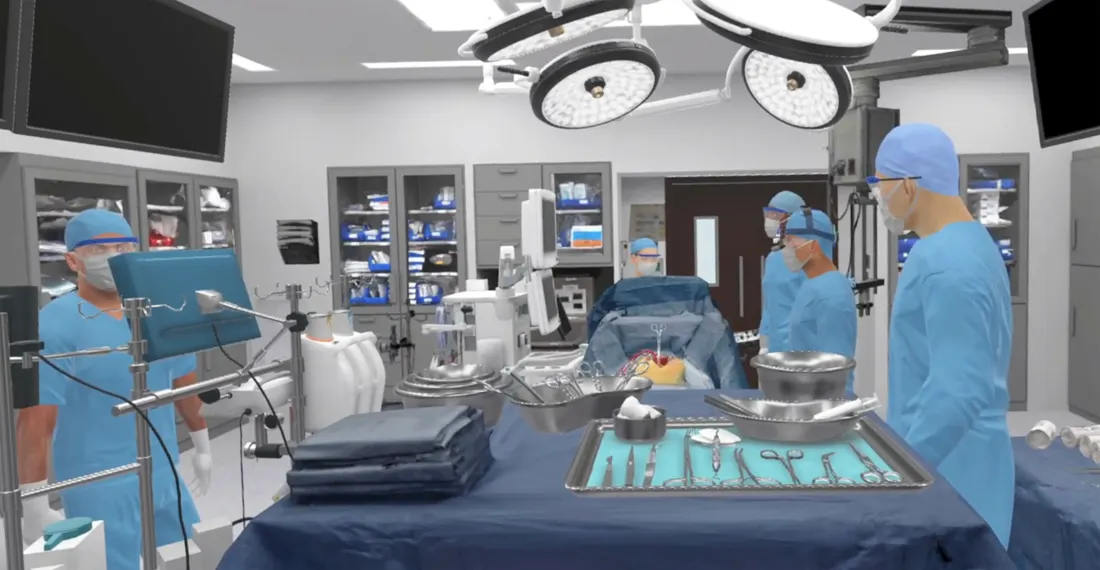


Immersive training for high-acuity clinical scenarios
Clinicians can rehearse critical procedures and practice how to respond in a simulated clinical setting. We developed the training with clinical subject matter experts.
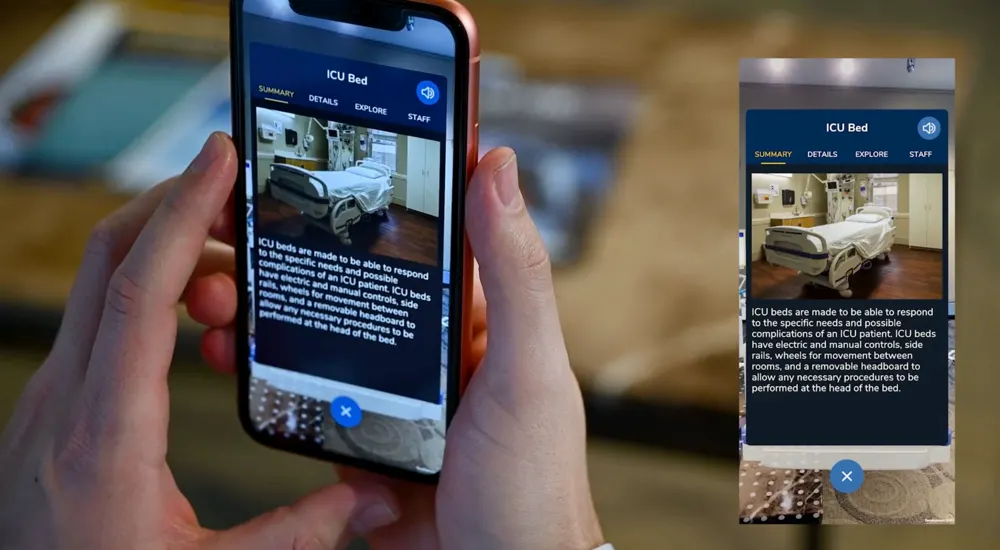


Understand your care, from the hospital to home
Help patients and family caregivers make sense of a diagnosis, see how medical equipment works, and revisit what their care team showed them.
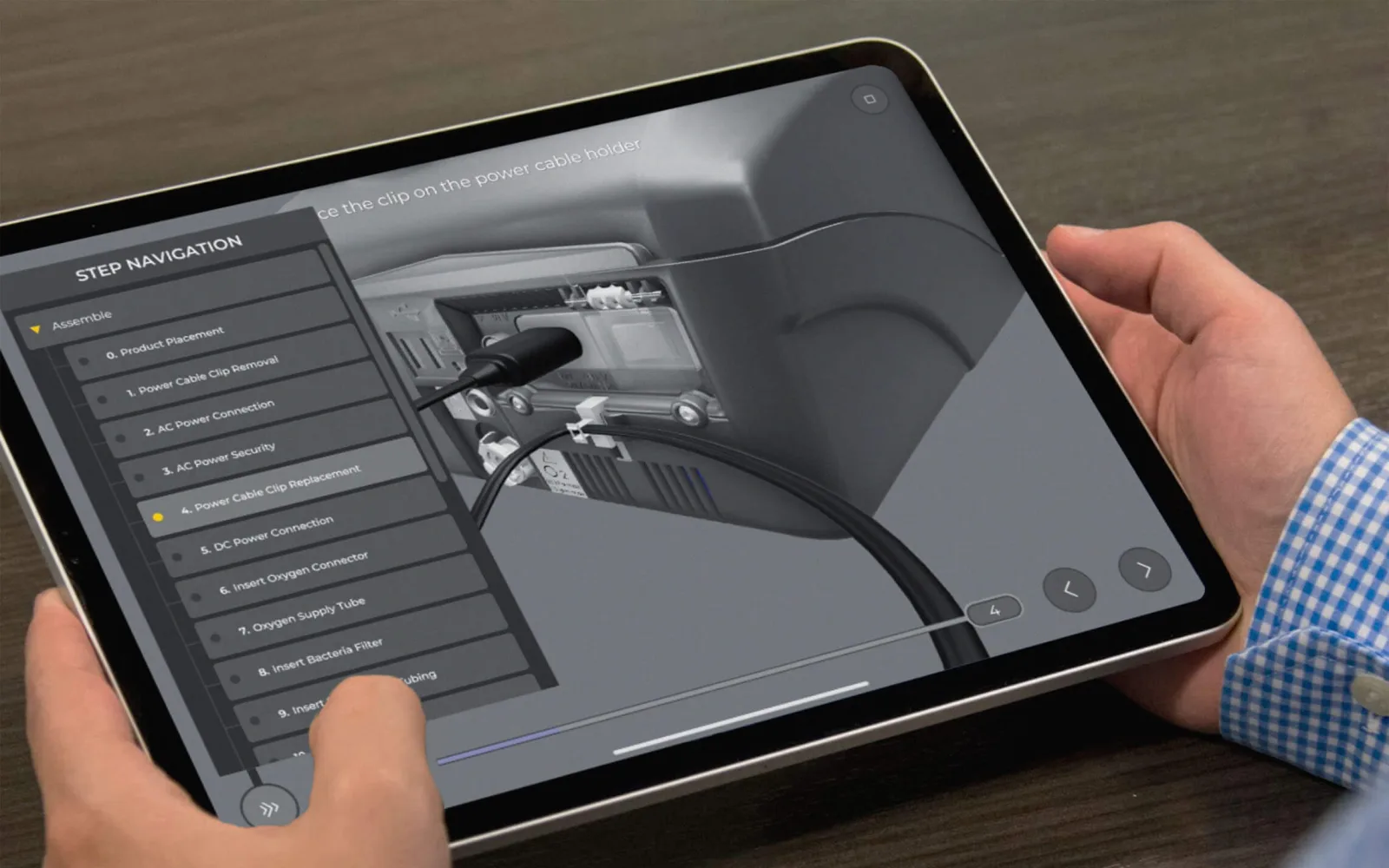


Put the instructions where the work happens
See how parts fit together as you assemble equipment, walk through operating procedures at your own pace, and revisit individual steps when you need a refresher on maintenance or repair.
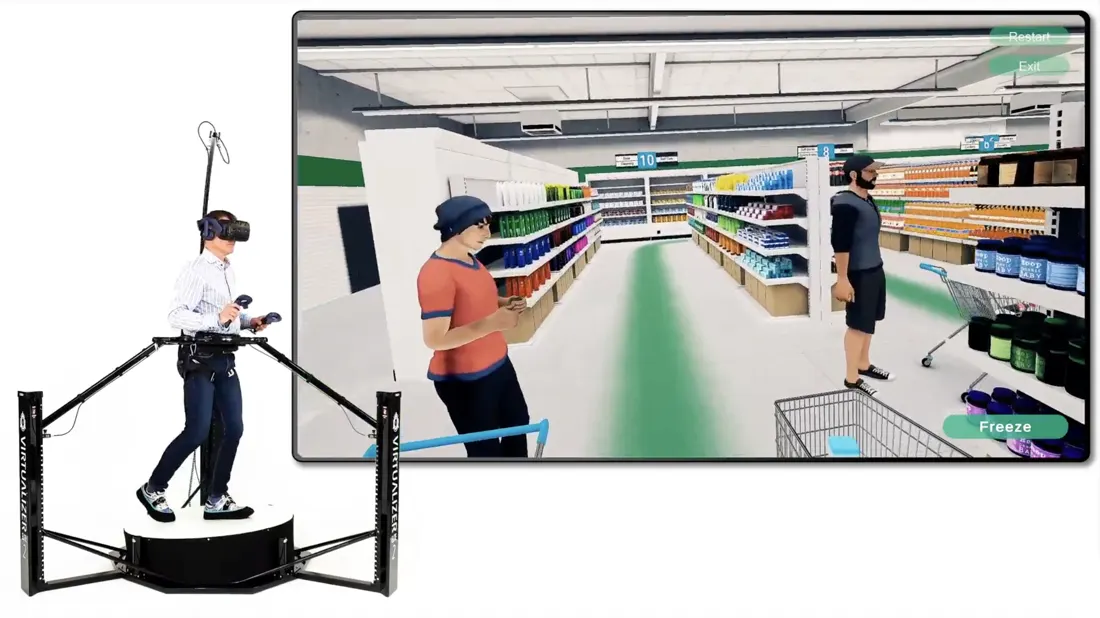

Objective assessment of cognitive and motor performance
Use realistic virtual tasks to measure how people think and move at the same time. Get immediate results to help assess everyday function, support post-injury evaluation, or guide follow-up assessment.


Manage your XR applications and who can access them in one place
Use LinkXR to manage apps, content, users, subscriptions and analytics in one place. Role-based access gives administrators, customers and end users different views.
Our four XR products share a modular foundation, but the available formats, devices and features depend on the product.
Depending on the product, experiences are available in virtual reality, augmented reality or interactive 3D.
Device support depends on the product: some experiences use a headset, while others run on a phone or tablet.
Learning modules within each product capture performance data across sessions and let administrators export the results.
LinkXR gives your team one place to manage users, content and access.
Who it's for
See how teams use XR in hospitals, on manufacturing floors and in the field.
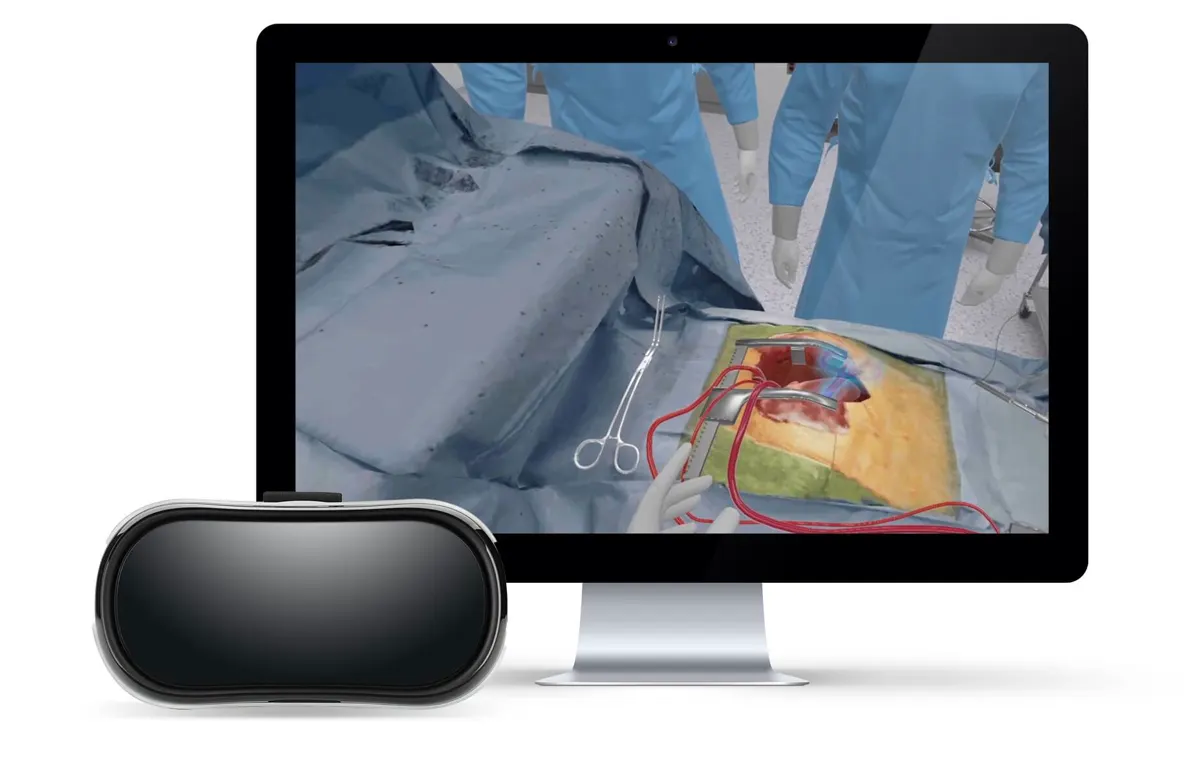
Medical solutions that provide clinicians an environment to rehearse procedures, and help patients understand their care.
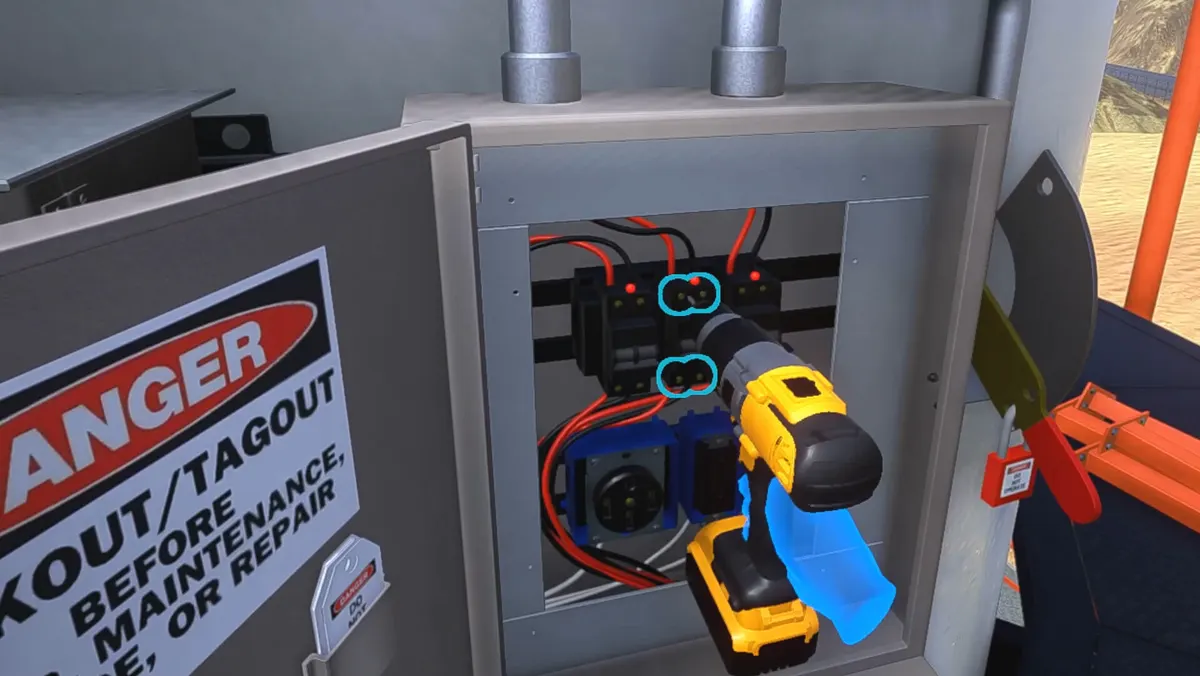
Help manufacturing and field teams practice equipment procedures and follow step-by-step guidance on the job.
How we use AI
AI supports our work. Our team makes the decisions.
Writing, design, computer graphics and software development each shape the XR experience we build for you.
AI supports every craft
Our writers turn expert knowledge into clear scenarios, instructions and guides.
We shape how each experience looks, feels and flows, so people always know what to do next.
Our artists build the 3D worlds, equipment and details that make a scenario feel real.
Our engineers make it all run smoothly on headsets, computers, tablets and phones.
Our team designs and builds each experience. We decide where AI can help.
What we learn from each release feeds the next, so your solution keeps getting better.
Faster tools free up time for the realism and polish that make XR work.
AI is never used to analyze your users' data.
News
Who we are
We build extended reality applications and environments by bringing visual design and software engineering together.
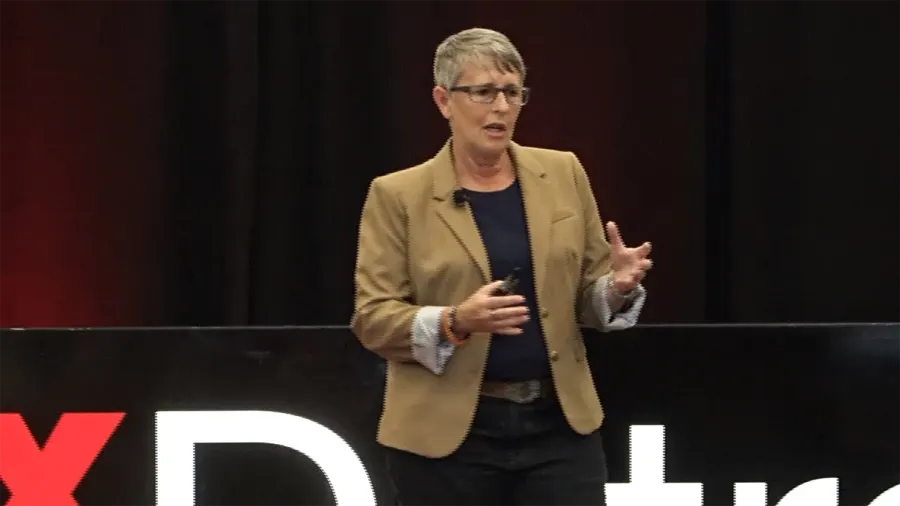
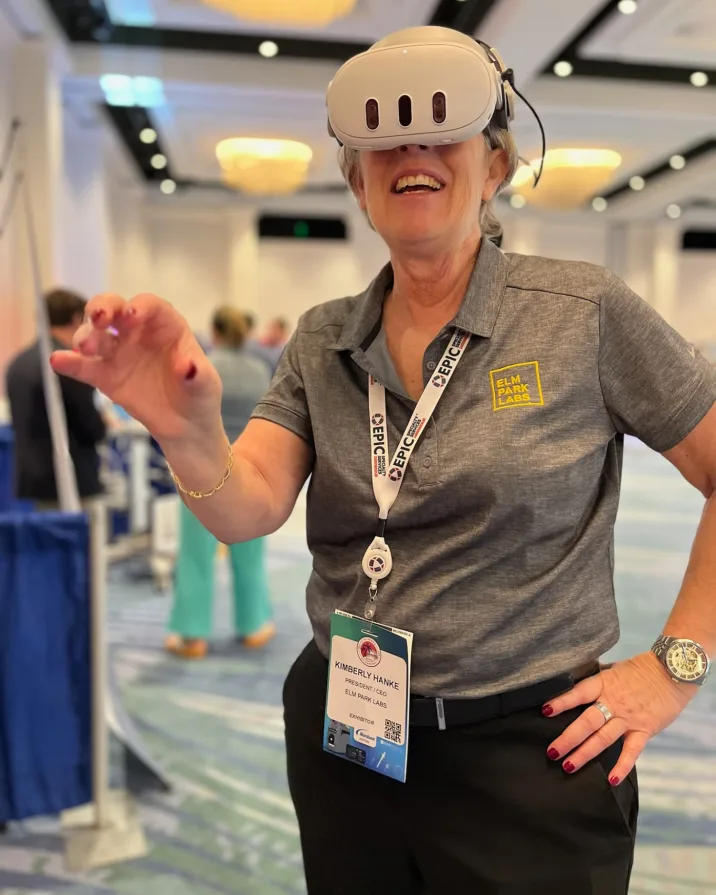
Kimberley Hanke founded Elm Park Labs and leads the company today.
Get in touch
Use the contact form to tell us what you want people to learn, do or experience. We can help you explore where XR fits.